Advent Calendaranimated bookstagram & BookTok template
Number 24 glows on a real wooden advent calendar, the drawer rattles and slides out, and your book rises out of it in 3D among warm sparkles. Best for a last-day-of-advent reveal, a Christmas Eve read, or the book you saved for last.
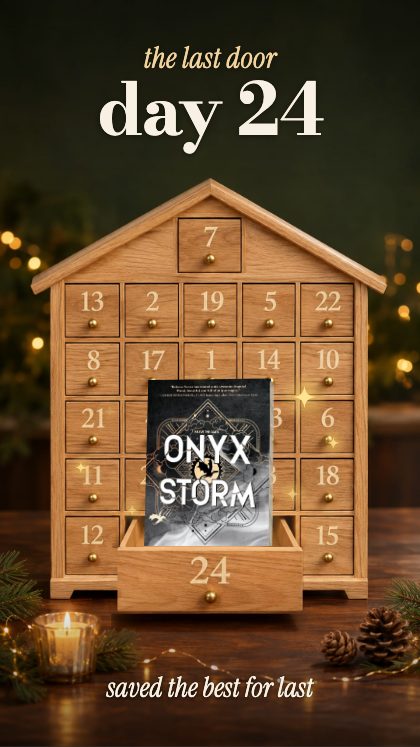
You bring one book cover and 3 short lines of your own words. About 9 seconds come out, 1080×1920, as an MP4 — the size Instagram Stories, Reels and TikTok all want. Nothing is installed and nothing is uploaded to us: the video is put together in your own browser.
- Length
- about 9 seconds
- Frame
- 1080×1920 vertical
- You supply
- 1 cover, 3 lines
- Comes out as
- MP4 video
- Category
- Christmas · 30 templates
How the Advent Calendar template works
- Step 1
Drop your covers in
Search the book by name and the cover arrives, or upload your own photo. One slot, filled in any order.
- Step 2
Type your words
Your headline goes where the placeholder is. Colours, background and lettering are pickers, not layers — there is no timeline to fight.
- Step 3
Save the video
About 9 seconds, 1080×1920, exported as an MP4 from your own browser — ready to post to Instagram Stories, Reels or TikTok.
Who it is for
Bookstagram and BookTok accounts that post more often than they have time to edit. Book bloggers, bookshops, libraries, reading challenges and book clubs use the same templates — anywhere a shelf of covers has to become a video without opening editing software.
Try it before you decide
The studio is free to open and free to play with. One payment gives you every template and every export, for good — no subscription.