How to turn a book review into a verdict that plays
· 3 min read
A blog review is long on purpose. It has room for plot, for the thing you loved and the thing that did not work. The trouble is that almost nobody sees it in a feed, because a feed shows a picture and a line.
A short video is how the review gets to the feed: a verdict, a rating, one quotation, and a link to the full post. Here is how to build that from what you have already written, without becoming a video editor.
Find the one line
Reread your review and find the sentence you would say out loud if someone asked what you thought. That sentence is the video. Everything else stays on the blog.
There are usually three candidates: a verdict (“slow, then devastating”), a rating, or a line from the book itself. The templates below suit each one.
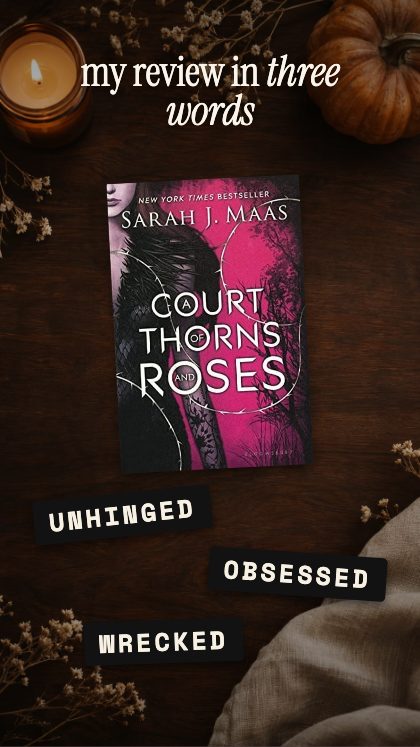
The verdict in three words
3-Word Review slams three label-maker tapes onto your cover. Choose three words that do different jobs, so the verdict says something: how it felt, what it was like, and who should read it.
A good test: if you could swap one of the three words onto any other book without anyone noticing, it is too vague.
The stamp and the quotation
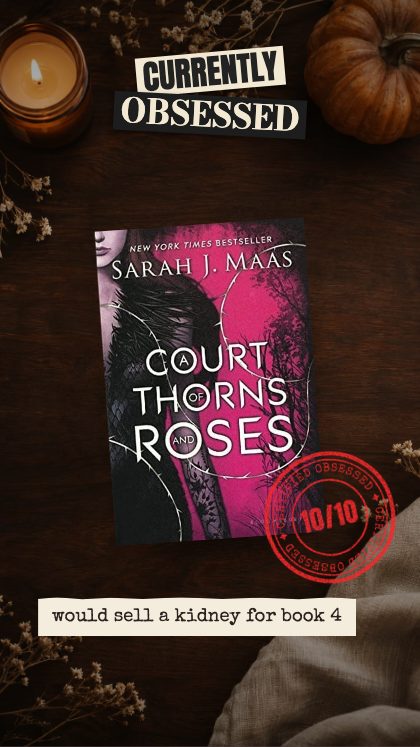
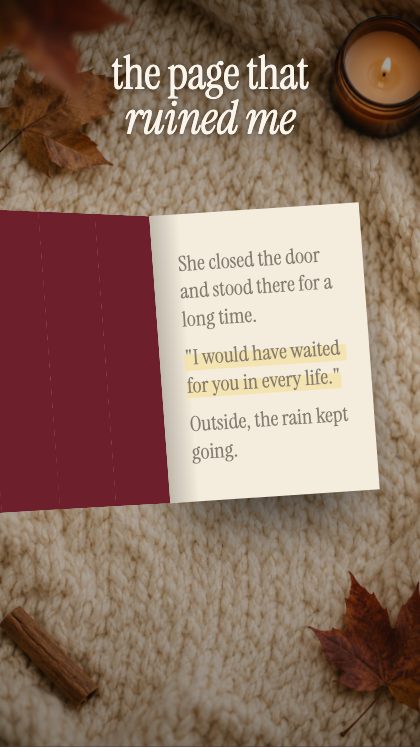
Currently Obsessed slaps the cover down and stamps it 10/10, which is a quick way to say that a book earned a favourite. For a book that did something to you, The Page That Ruined Me opens the cover to the line that broke you: a quotation, set large, with the cover behind it.
Quote Card does something similar with a line worth keeping set as a card. Whichever you use, copy the quotation exactly, and mention the book’s title and author in the caption so the post is findable.
The ranking and the roundup
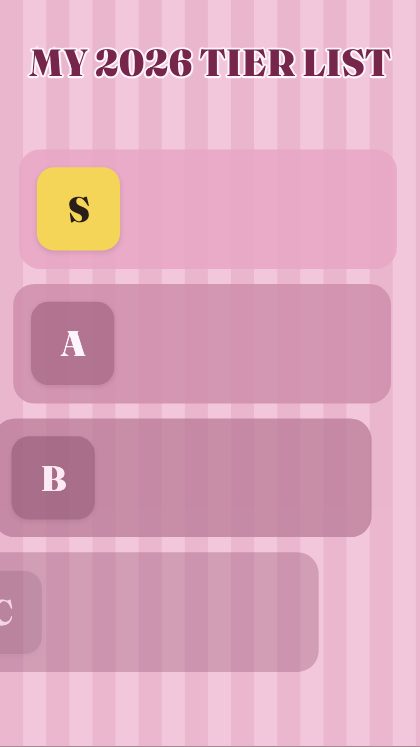
When you want to cover many books at once, use a ranking. Tier List sorts your books into S, A, B and C and invites everyone to argue with it. Tier-List Shelves ranks your year shelf by shelf, and This or That puts two books head to head.
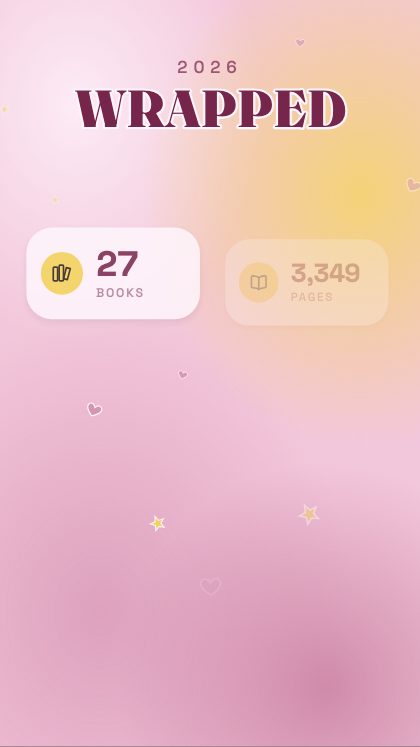
For the end of the month or the year, Wrapped tells the year in numbers and This Month shelves everything you read. These are the posts a blog is built around, and each one is a good excuse to link back to the full reviews.
Send people to the full review
A video is a trailer for the review, not a replacement for it. Put the title of the post in the caption and say plainly that the full review is on the blog, then link to it from your profile. Choose the review that deserves the extra push, rather than making a video of every one: a post you are proud of makes a better video than a post you are merely finishing.
A pattern for a week
If you want a routine, give each kind of post its own day. A verdict video on Monday for the review you published at the weekend, a quotation on Wednesday, and a ranking on Friday that pulls the week together. Keep the same template for each kind, changing only the covers and the words, and readers will start to recognise which one they are looking at before they read it.
Covers, copies and credit
Search a title and the cover is fetched from the Open Library catalogue, or upload your own photograph of the book, which suits a review copy. Cover art remains the property of its publishers and artists; the studio shows it for preview, and it is sensible to credit the book in your caption.
The export is a plain MP4, put together in your own browser. Nothing is uploaded to us and nothing is watermarked. It saves at 1080 × 1920 for stories and reels, 1080 × 1350 for the grid, or any size you type in.
The page for book bloggers lists nine templates for reviews, rankings and roundups, and what each is good for.
The studio is free to open and play with: every template runs in your browser, with no account and no login. Saving the finished video needs the key, which you buy once on Etsy for $19. It covers all 93 templates, including the ones added later, and nothing renews.