How a library can announce new arrivals with a short video
· 3 min read
A library’s year follows a rhythm: new arrivals every week, a reading challenge every season, staff picks on the end of the shelf. Each one is a small announcement, and each one is competing with everything else in a feed.
A short video suits all three, and it does not need a designer. You need a handful of covers, a line of text and about as much time as it takes to write the caption. Here is a way to do each one.
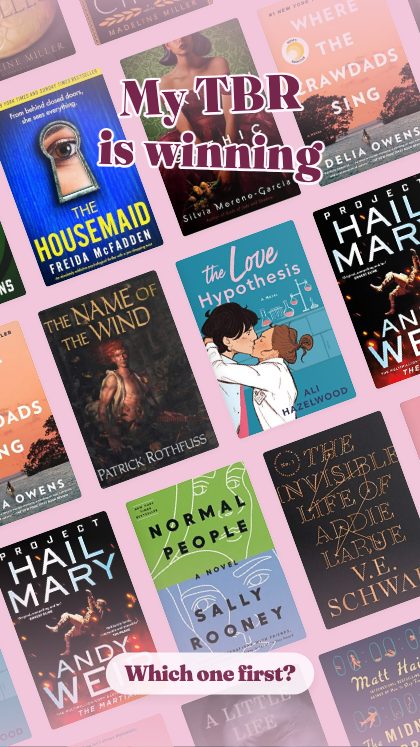
New arrivals: let the covers do the work
The people who borrow are looking for the next book, and the cover is how they recognise it. Cover Crawl runs a wall of covers that never stops moving, which suits a week with many titles. Book Mail opens a box and stands the haul up, which suits a delivery you want to celebrate.
Search the titles and the covers drop into place. The studio fetches them from the Open Library catalogue; for a book it does not have, such as a local-interest title, upload your own photograph of the cover.

Reading challenges: show the count
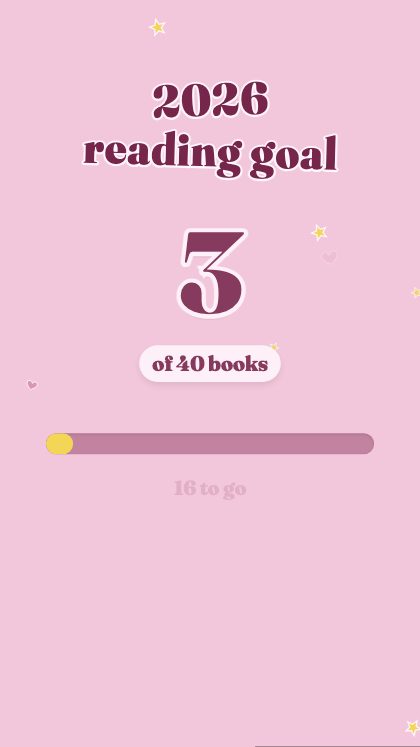
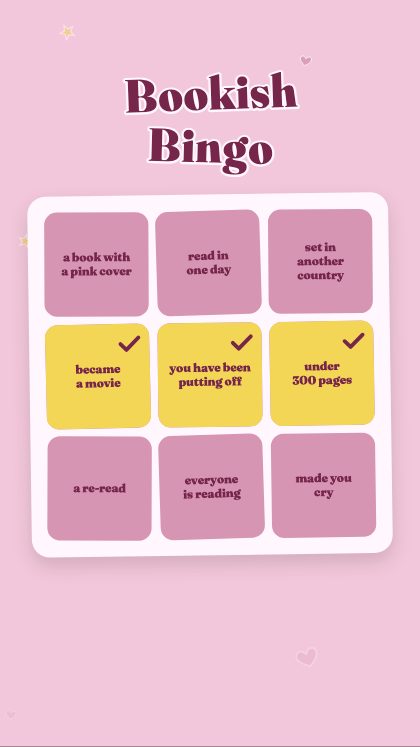
A reading challenge is easier to join when people can see progress. Reading Goal counts the yearly challenge up, and Bookish Bingo gives nine squares to tick for what has been read. Use bingo for a themed challenge, where each square is a kind of book, and Reading Goal for a number-based one.
At the end of the challenge, Wrapped tells the year in numbers, which makes a natural thank-you post.
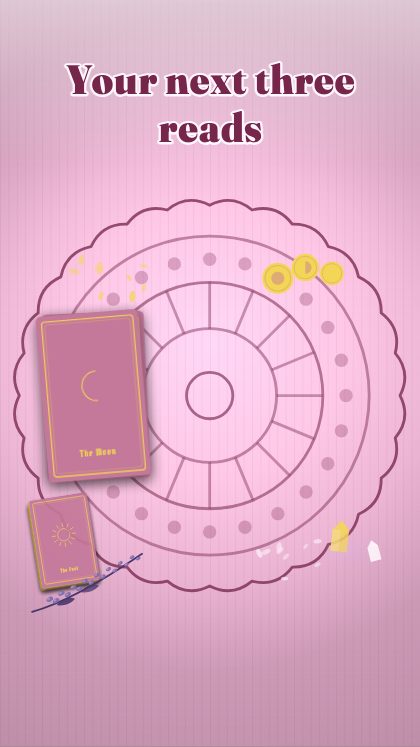
Staff picks: three next reads
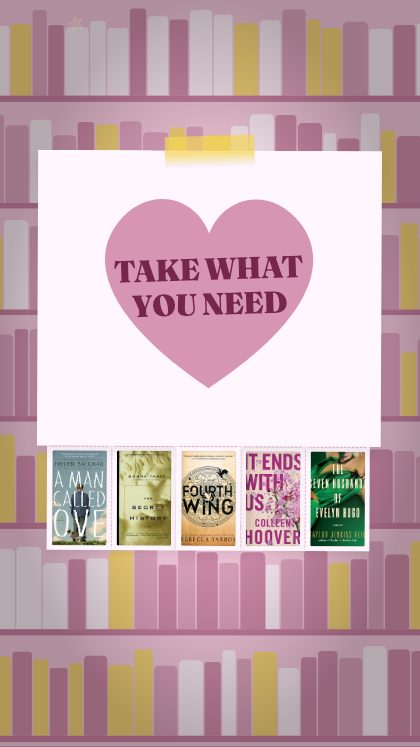
The staff pick is the most trusted thing a library posts, because it comes from someone who has read the book. Read the Cards deals three cards and three next reads, so a staff member can offer a small menu rather than a single book. Take What You Need is a flyer with tear-off books, like the one on the notice board, and Read This Next answers “loved that one?” with the book to try after it.
Add the name of the person who chose and one sentence on why. That sentence is what a reader will remember.
A simple routine
One approach: new arrivals on Monday, a staff pick on Wednesday, the challenge on Friday. Keep each to the same template for a month, changing only the covers and the line. Consistency does most of the work, and the team can share the task without learning anything new.
Choose colours that match your branch, with twenty-eight colour presets, thirty-seven backgrounds and four lettering styles available, or set every colour by hand.
Make the caption do the borrowing
A new-arrivals video should end with something a reader can do. Say where the books are, how to place a hold, and when the branch is open, using your own library’s details. The video makes people curious; the caption turns that into a loan.
Plan the month in one sitting
The easiest way to keep this going is to batch it. Once a month, sit down with the list of new titles, the challenge schedule and the staff picks, and make the month’s videos together.
- List the new arrivals for the month and pick the weeks they will be shown.
- Make one new-arrivals video per week with the same template, changing only the covers.
- Ask two or three staff members for a pick and a sentence each.
- Make the challenge post for the start of the month and a progress post for the middle.
- Save everything at the sizes you need, and schedule it.
What it takes
Nothing needs installing. It runs in the browser, and the video is put together there as well: nothing is uploaded to us, and the finished file is a plain MP4 with no watermark. It saves at 1080 × 1920 for stories and reels, 1080 × 1350 for the grid, or a size you type in.
The page for libraries lists nine templates picked for new arrivals, challenges and staff picks.
The studio is free to open and play with: every template runs in your browser, with no account and no login. Saving the finished video needs the key, which you buy once on Etsy for $19. It covers all 93 templates, including the ones added later, and nothing renews.